

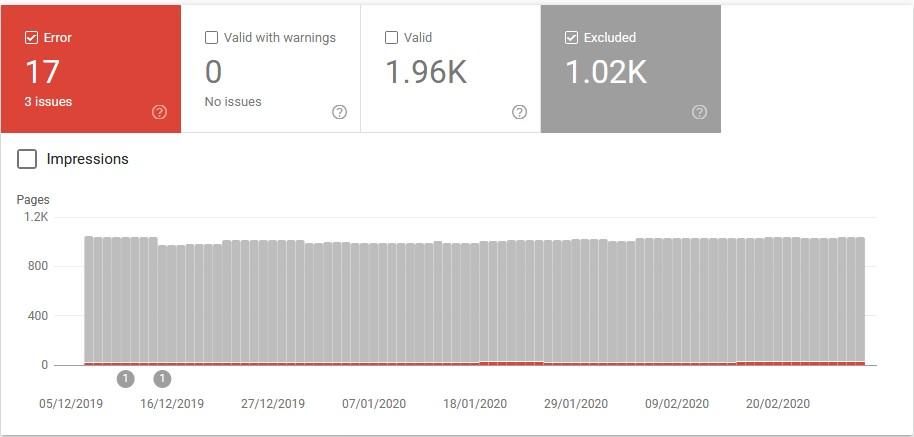
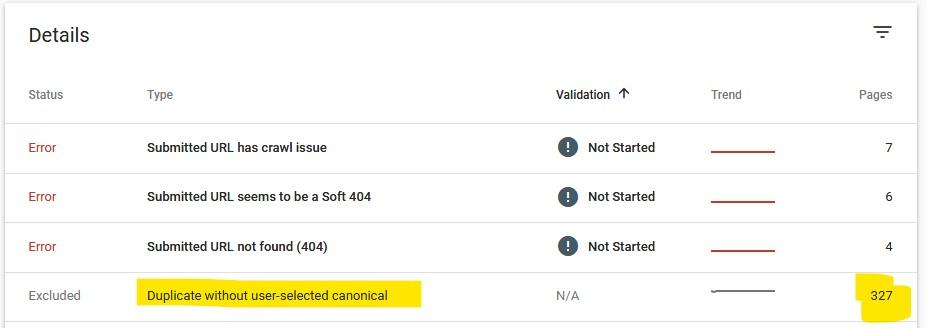
If you find that Google Console is showing lots of errors, that mention “Duplicate without user-selected canonical“, then one of the reasons would be that Google sees the same content for different URL’s. This can be down to Woocommerce pagination. to stop this you need to add no-follow attribute to the actual button that is produced by Woocommerce.
To do this FTP into your site and my URL was /themes/MYTHEME/shop/elements/shop/pagination.php (yours will be slightly different.
Adjust your code to add the “no-follow” link by using the PHP replace function.
This will now make Google ignore following the links that come from the pagination buttons. Whcih in turn will reduce the errors you see in the Google Console.